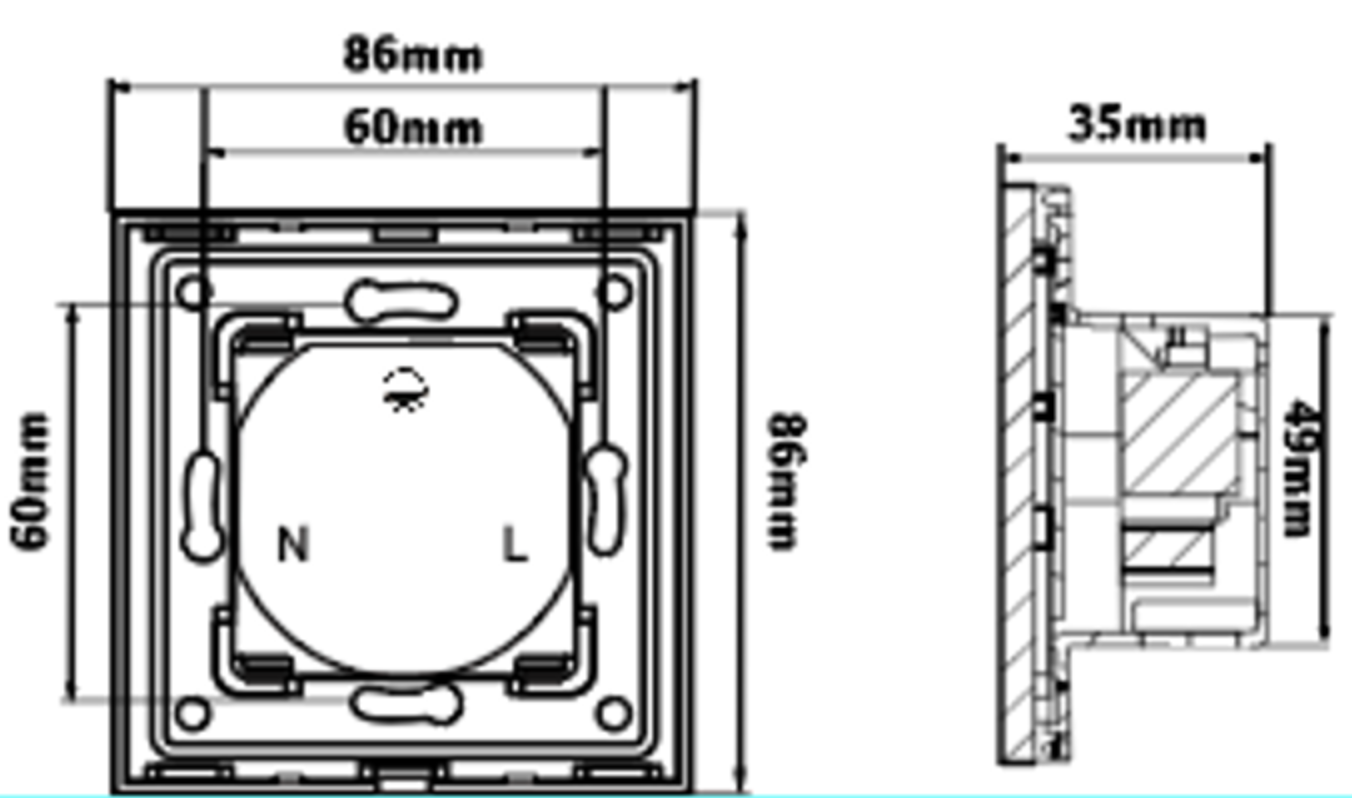
• Keep The Power Off During Installation (Before You Cover The Panel)
• Check The Terminal Connections Before Wiring
• Connect The Device In Accordance With The Relevant Diagrams
• Ensure That No Bare Wires From The Terminals In Case Of Electric Shock
1. L Live Terminal
2. N Neutral Terminal
3. Earth Terminal
Warning: Don’t Switch On The Appliance Before Installation Is Finished Completely

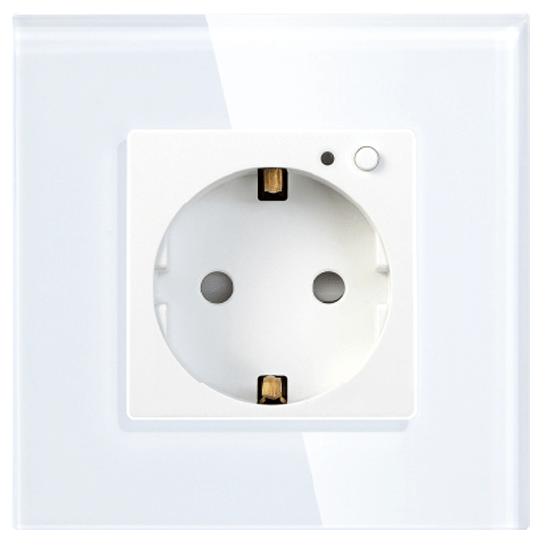
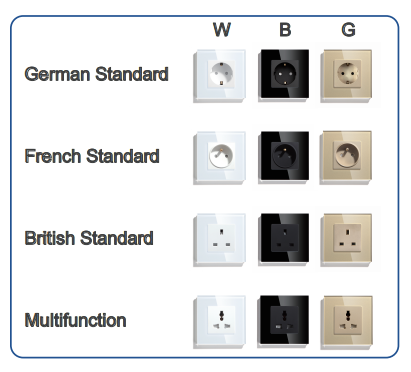
All types of socket installation and wiring methods are the same(Including normal socket and WIFI socket)

1. Open The Box, Take Out The Parts, Distinguish The Front And Back Of The Metal Plate
(Note: The Side With CE And RoHS Is The Back Side)
2. Assemble Insert Parts And Metal Plate
(Note: Push The Insert Parts Into Metal Plate From The Front Side)
3. Follow The Wiring Instructions To Connect The Wires
4. Screw To Fix The Switch To The Wall Box
5. Push The Glass Panel Onto The Device And Finish The Installation
Note: Only The Metal Plate Notch Side Match WithThe GlassPanelNotchSide, They Can Be Assembled Together Successfully
Warning: Keep The Power Off Until You Finish The Installation Otherwise The Switch May Fail

Separate The Glass Panel And Metal Plate From The Groove With A Screwdriver (Just In Case The Glass Panel Is Scratched)
• Download The “SMART LIFE” Or “TUYA” App From The App Store/Google Player Or Scan The QR Code Below.


• Register an account and log in

• Connect Your Smartphone To WIFI And Turn On The Bluetooth
• Long Press The Button On Switch Till The LED Indicator Flicker Rapidly (Make Sure The WIFI Switch Is Powered)
• Open The APP, And Then The Device Will Appear Automatically
Tip: Only 2.4GHz WIFI Standard Is Supported Not Supports 5.0GHz

• Input Your Password To Start Adding
• Wait For The Adding Process To End
• Successful Pairing Will Be Confirmed

Icon “ + ” Refers To Device Adding Process Icon “ ” Refers To Device Rename Option
Connect Smart Life With Amazon Alexa Or Google Home, You Can Voice Control Your WiFi Sockets
Input: AC 110-250V
Operating Freq:50/60Hz
Life Time: 100,000Times
RF Frequency: 433.92MHz
Capability Allowance: -15%~+10%
Ambient Humidity: ≤93%
Operating Temp: -20℃ to 70℃
Power Consumption: ≤0.02W