ADFBB531 Fingerbot Plus User Manual
User Manual

English

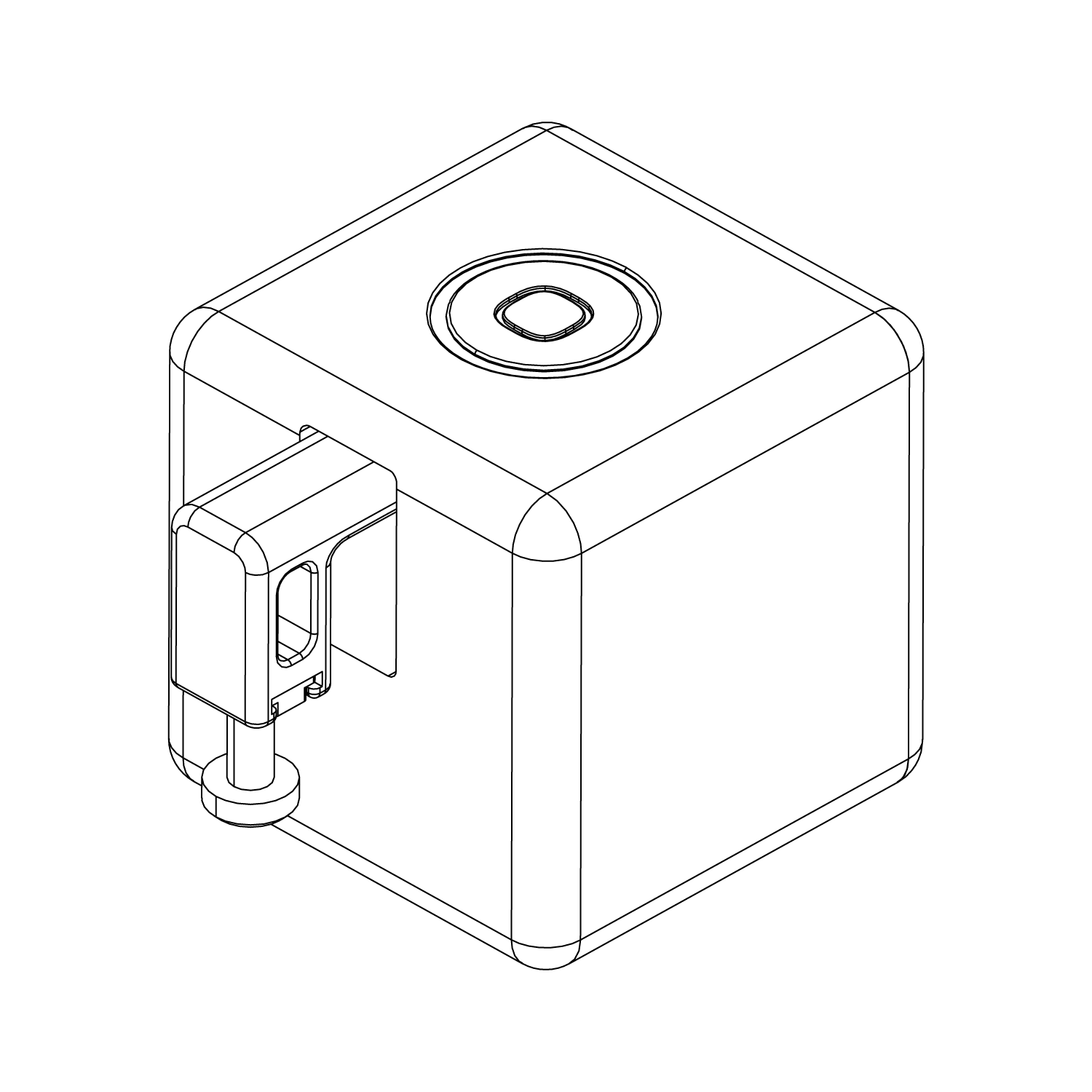
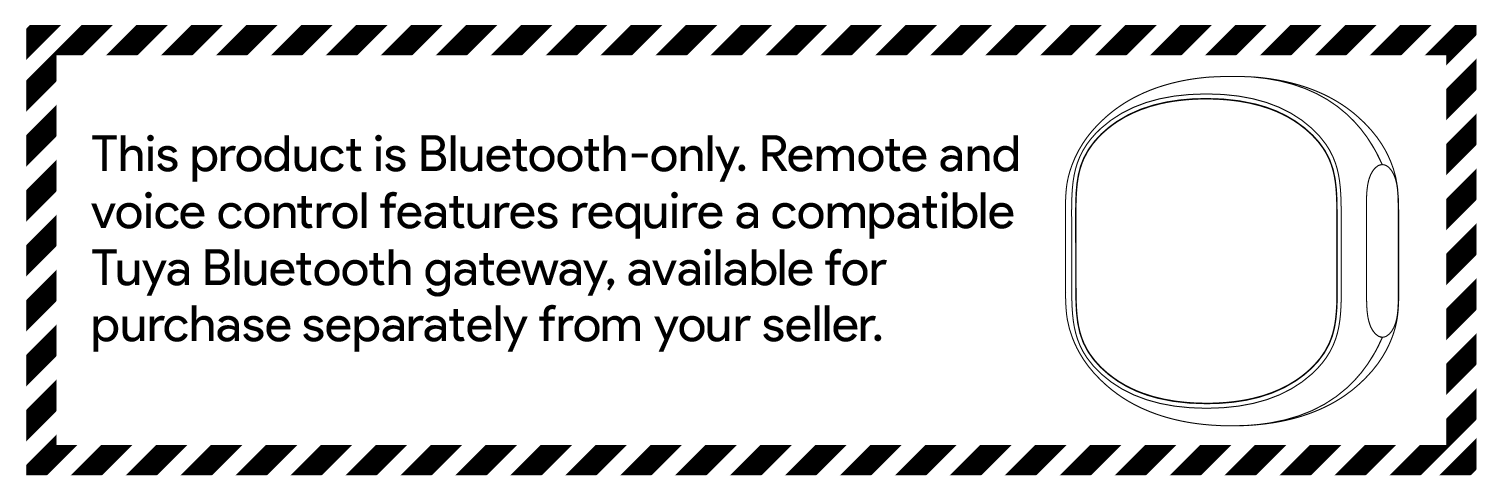
The ADFBB531 Fingerbot Plus uses a mechanical arm to press buttons or switches, helping users add existing home appliances, office equipment, or other button-operated devices to smart control scenarios. Users can trigger actions, adjust mechanical arm parameters, and use a Bluetooth gateway to enable remote control in the Smart Life App.
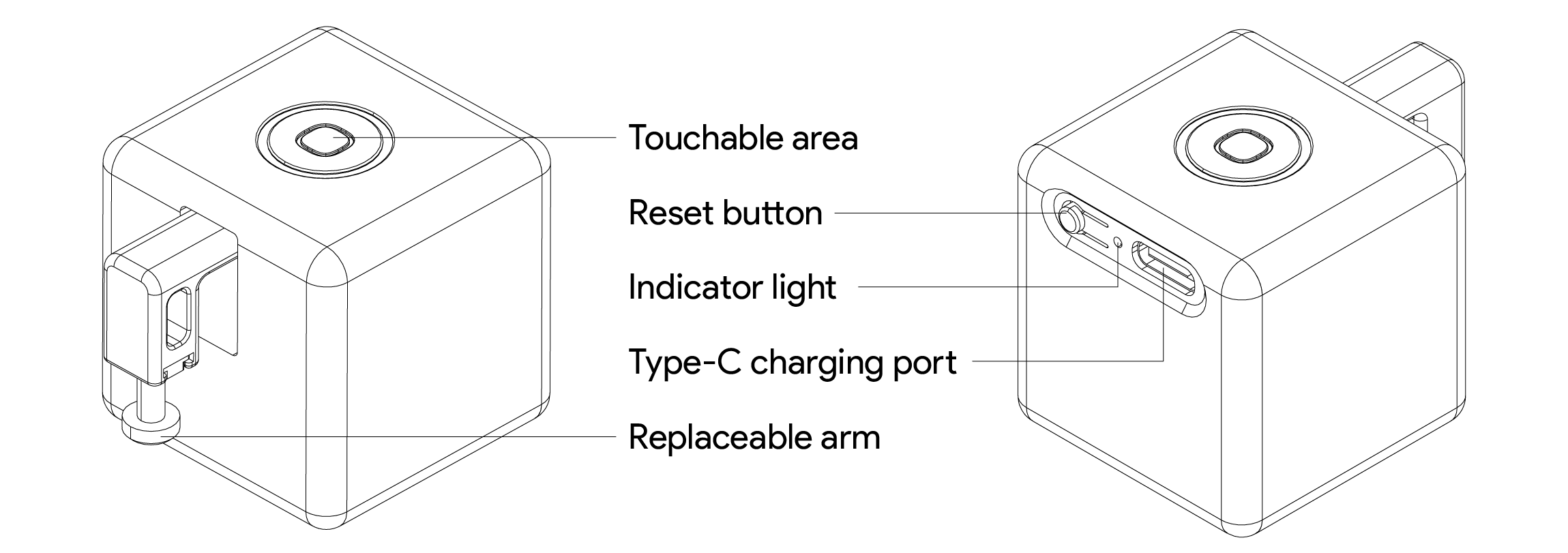
Fingerbot main unit × 1 : ADFBB531
3M double-sided adhesive × 2 : Used to fix the main unit
Type-C cable × 1 : Used for charging
Search for “Smart Life” in your mobile app store and install the App. After installation, log in or create an account, then follow the on-screen instructions in the App to add the device.


When adding the device for the first time or binding it to a different account, reset the device first.
1. Press and hold the device reset button for about 5 seconds.
2. When the blue light starts flashing, the device enters pairing mode.
3. Open the Smart Life App and tap “+” in the upper-right corner.
4. Tap “Add Device” and follow the on-screen instructions to complete pairing.
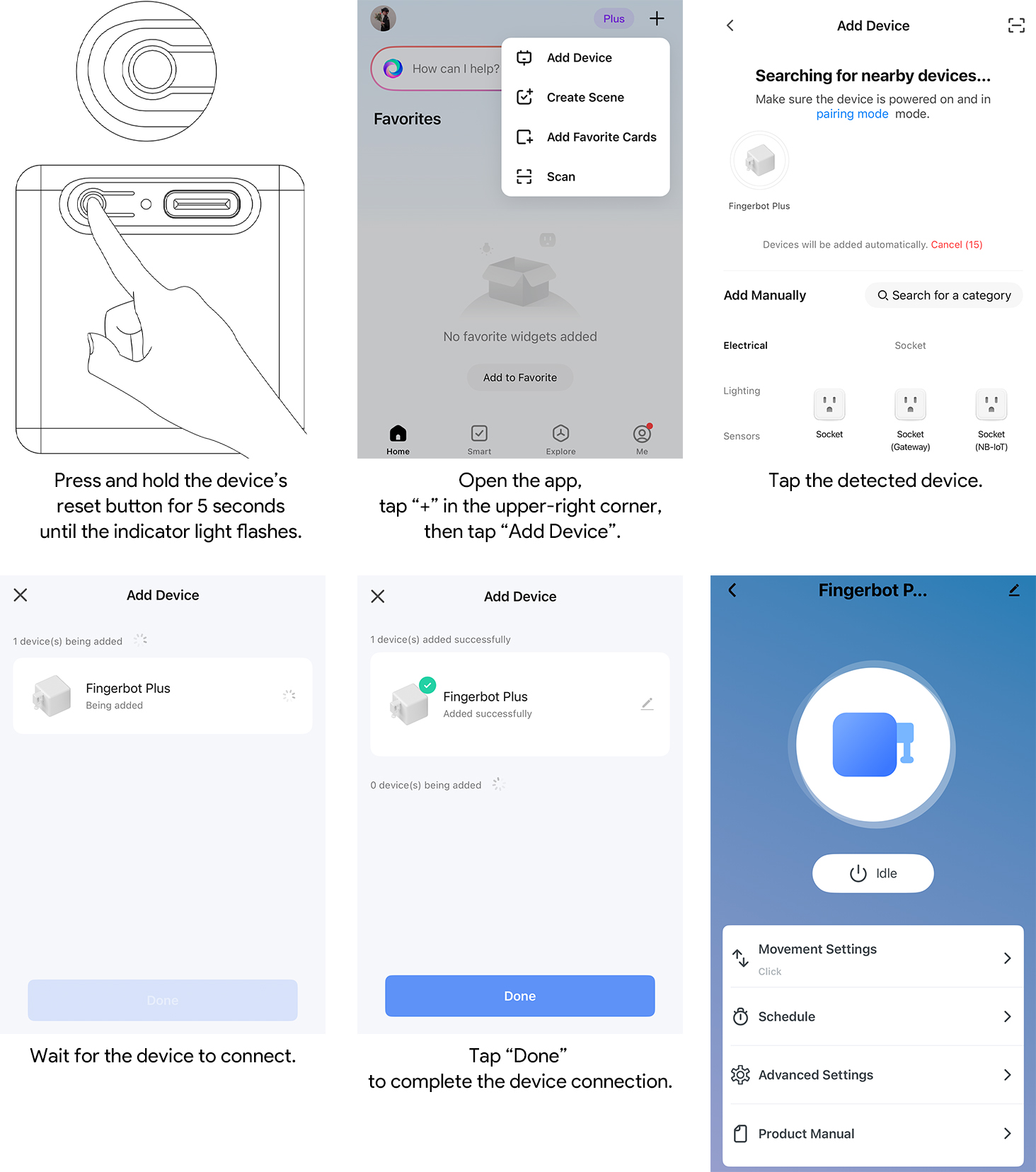
After entering the device control panel, tap the Fingerbot action button. When the signal is good, the device usually triggers the action within 2 seconds.
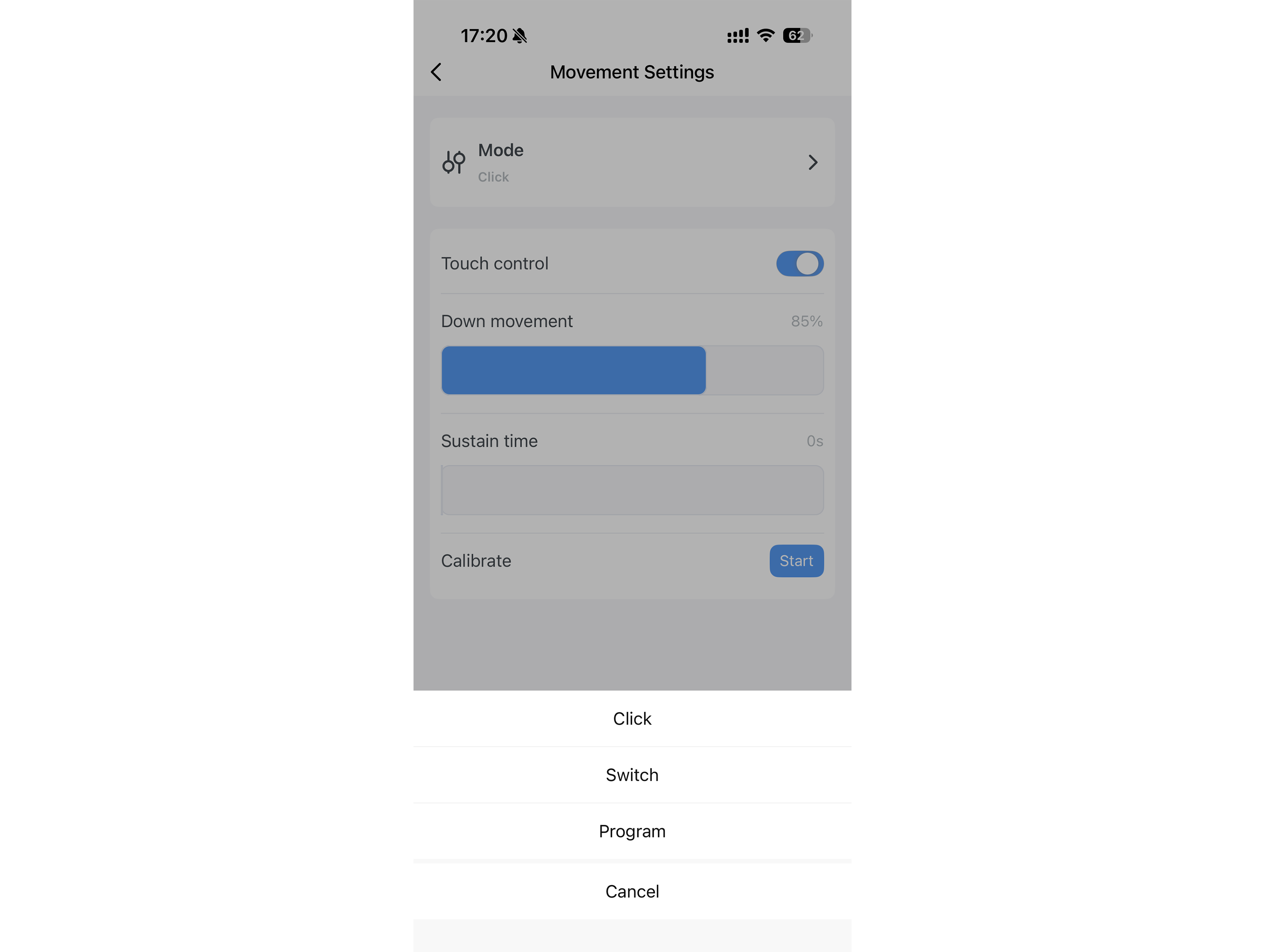
Before use, adjust the mechanical arm operation parameters in the device control panel, such as mode selection, upward movement, downward movement, and hold time. Set the parameters according to the actual button height and pressing force required.
Note: Improper motion parameter settings may cause abnormal product operation, obstruction of the mechanical arm, or shortened service life. To ensure stable operation, wait at least 10 seconds after each tap before performing the next operation.
The ADFBB531 is a Bluetooth device. To use remote control, pair it with a compatible Tuya Bluetooth gateway.
1. Confirm that the Bluetooth gateway is compatible with the device.
2. Follow the gateway instructions to add and pair the ADFBB531 with the Bluetooth gateway.
3. After configuration, you can control the device remotely through the Smart Life App.
When no Bluetooth gateway is configured, the device generally needs to be used within the phone’s Bluetooth connection range.
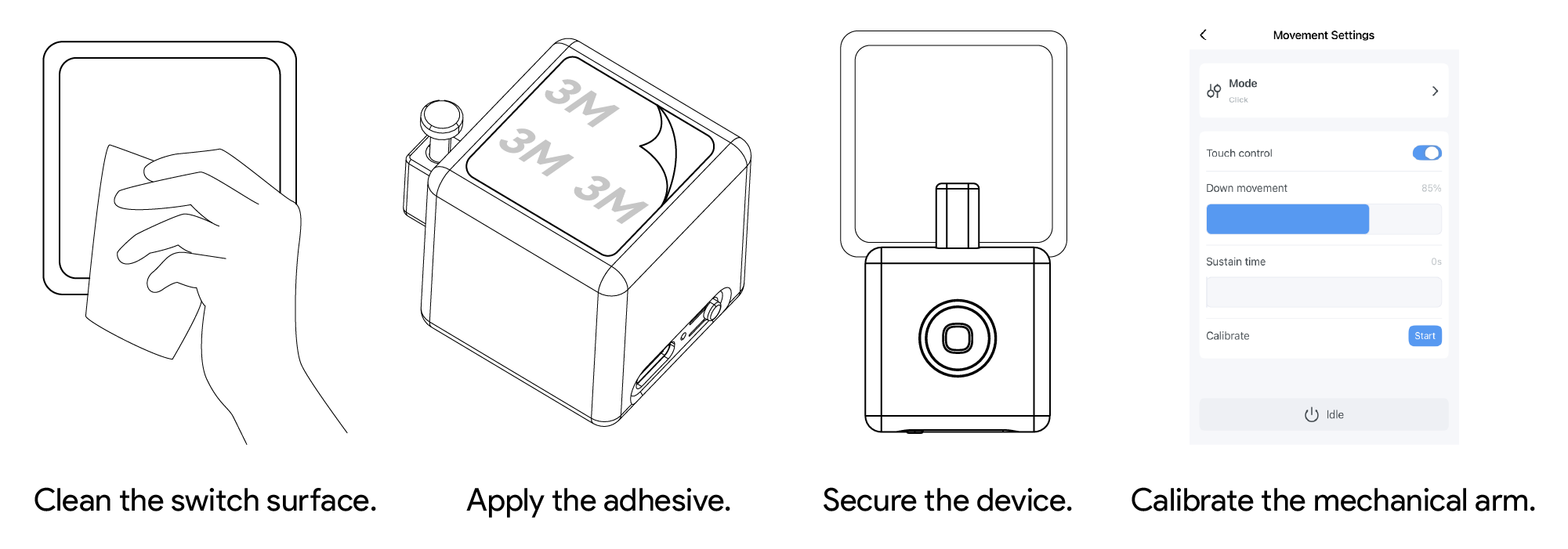
1. Clean the installation surface and make sure it is dry, flat, and free of dust and oil.
2. Use the included double-sided adhesive to fix the Fingerbot on the target panel.
3. Pair the device with the Smart Life App.
4. Calibrate the mechanical arm movement range according to the target button position. The “downward movement” parameter should be set to a suitable value that allows the mechanical arm to press the button properly.
5. After installation, let the device sit for 24 hours to improve adhesion.
Note: Incorrect movement settings may create additional resistance and shorten device service life. Do not let the mechanical arm press against a button or other obstacle for a long time.
Use the Type-C cable to charge the device. The recommended input specification is 5V-1A. Keep the port dry while charging, and avoid charging in humid or high-temperature environments.
Charging Port: Type-C
Recommended Input: 5V-1A
Battery Capacity: 400 mAh
Battery Type: Rechargeable lithium battery
• This product is not waterproof. Do not install it on underwater equipment, in humid environments, or in locations where it may be splashed with water.
• This product has a built-in rechargeable lithium battery. Do not use or charge it in high-temperature or humid environments or near open flames.
• Do not obstruct the mechanical arm while the device is operating. Otherwise, the mechanical arm may detach, the motor may be damaged, or the device may operate abnormally.
• Do not disassemble, strike, squeeze, or modify the device by yourself.
• Do not use this product in medical, life-safety, gas control, or other high-risk scenarios.
• Keep the device and accessories out of reach of children to avoid swallowing small parts or unintended operation.
Product Model: ADFBB531
Product Name: Fingerbot
Dimensions: 34.5 x 34.5 x 34.5 mm
Weight: 38 g
Maximum Mechanical Arm Travel: 12 mm
Pushing Force: 10 N
Wireless Protocol: Bluetooth 5.0
Charging Port: Type-C
Recommended Input: 5V-1A
Battery Capacity: 400 mAh
Battery Type: Rechargeable lithium battery
Operating Temperature: -10°C to 45°C
Remote Control: Requires a compatible Tuya Bluetooth gateway
Waterproof Rating: Not waterproof