Fingerbot Sense Zigbee
User Manual

English

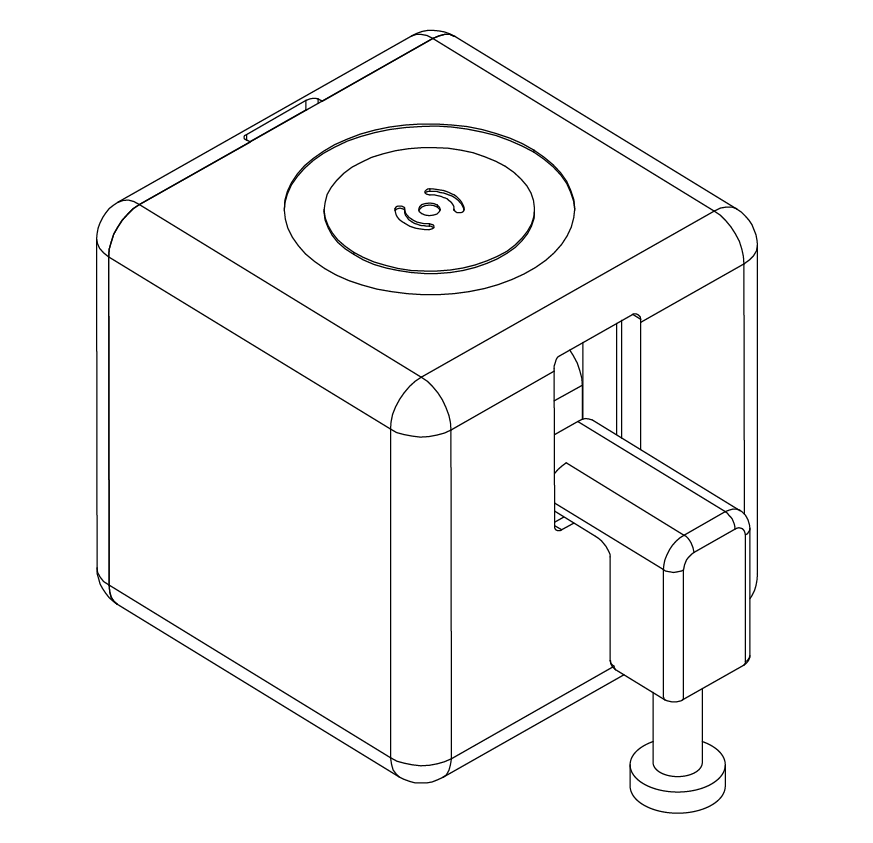
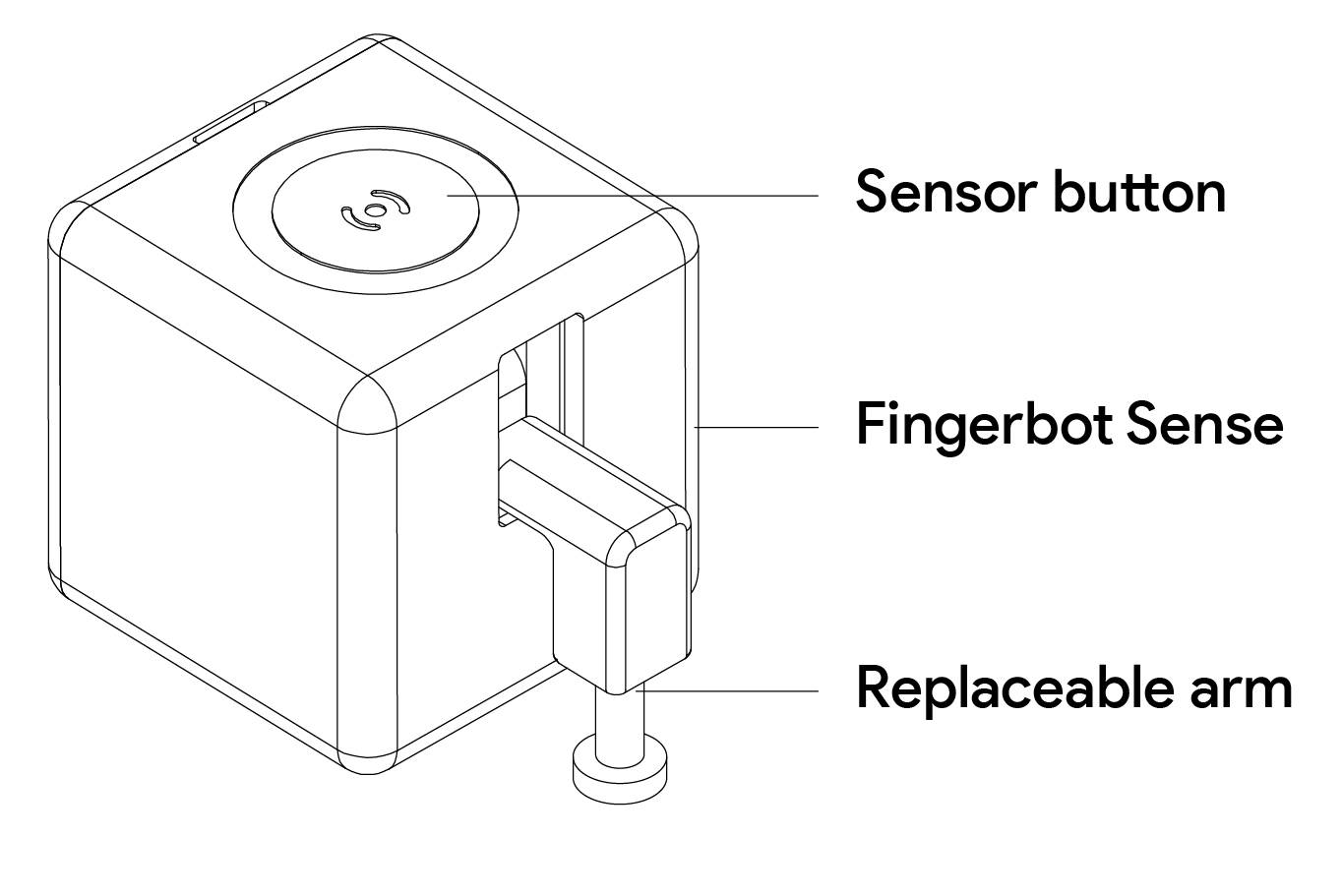
Adaprox Fingerbot is the world's smallest robot capable of intelligently controlling different types of buttons and switches. It can control your existing home appliances by clicking the robot. Turn on lights through the app, turn on the coffee maker with Zigbee 3.0's home automation features, activate your vacuum cleaner with voice commands, remotely turn on your office PC, and more. With the Fingerbot, all of these tasks become easy and effortless.
Meshhub App is the mobile platform for controlling Adaprox devices. You can search "MeshHub" in the mobile application store to install the App.


Please open the back cover of the product before use, and remove the battery insulation sheet to power on the device.
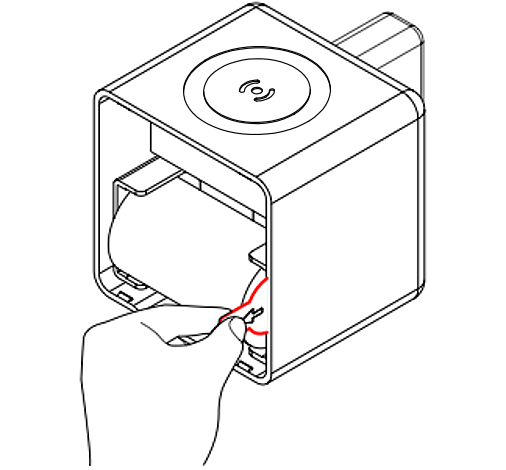
When pairing your Fingerbot with the app account, a device reset is required. Please press and hold the reset button for 5 seconds until the blue light starts flashing, at which point the device will be in pairing mode.

Open the App and click the "+" button on the upper right corner, then click the scan button in the "Add a device" panel and follow the instructions in the app to pair the device.
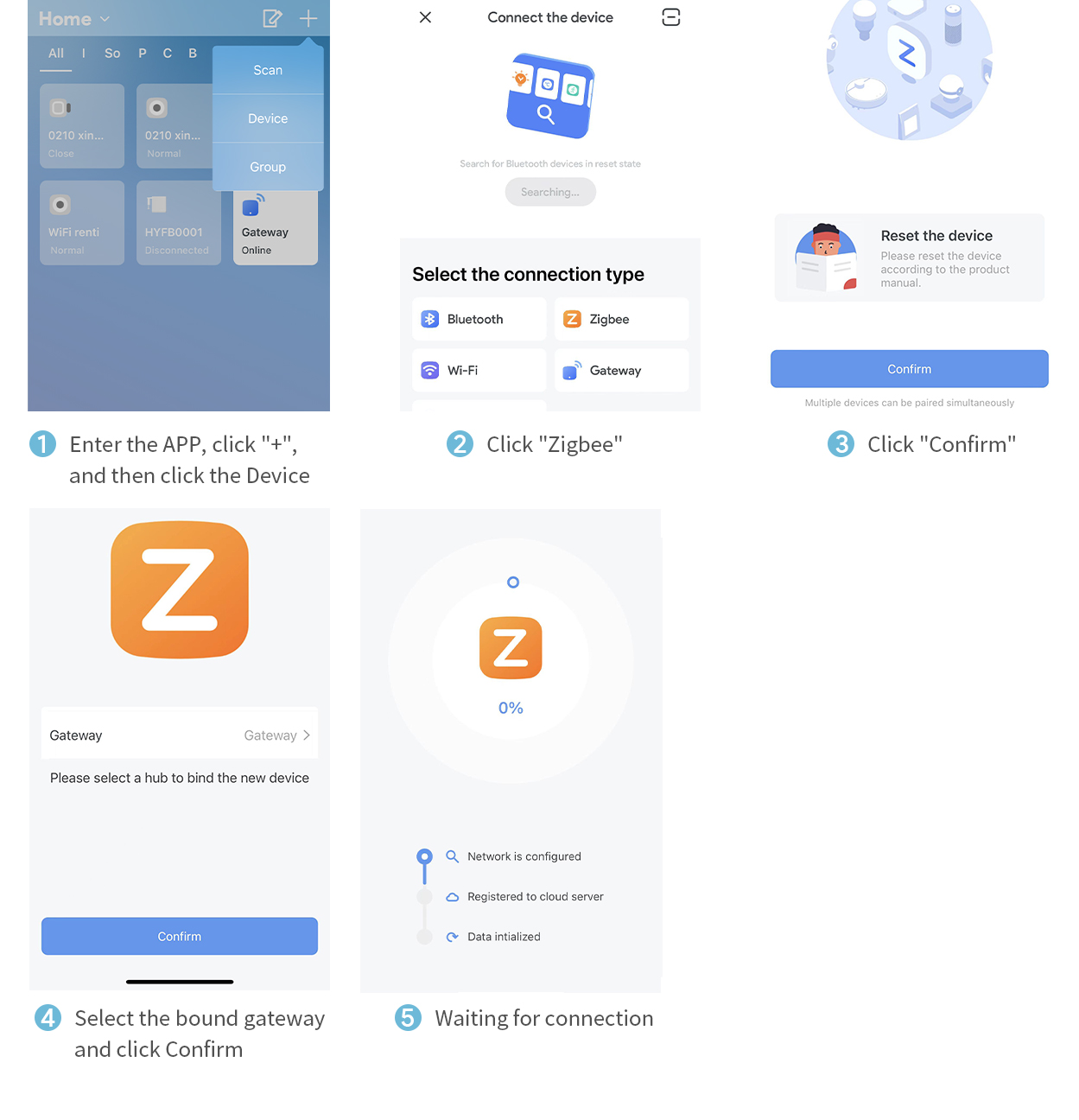
Click the Fingerbot action button in the device panel, and the action will trigger within 2 seconds when the signal is in good reception.
Before using the device, please enter the device control panel to adjust the parameters of the device arm such as mode selection, up/down movement, holding time, etc. Note that improper setting of the operating parameters may cause the product to work abnormally and reduce its lifespan, among other issues.

To install your Fingerbot:
1. Clean the surface of the button panel where the Fingerbot will be installed.
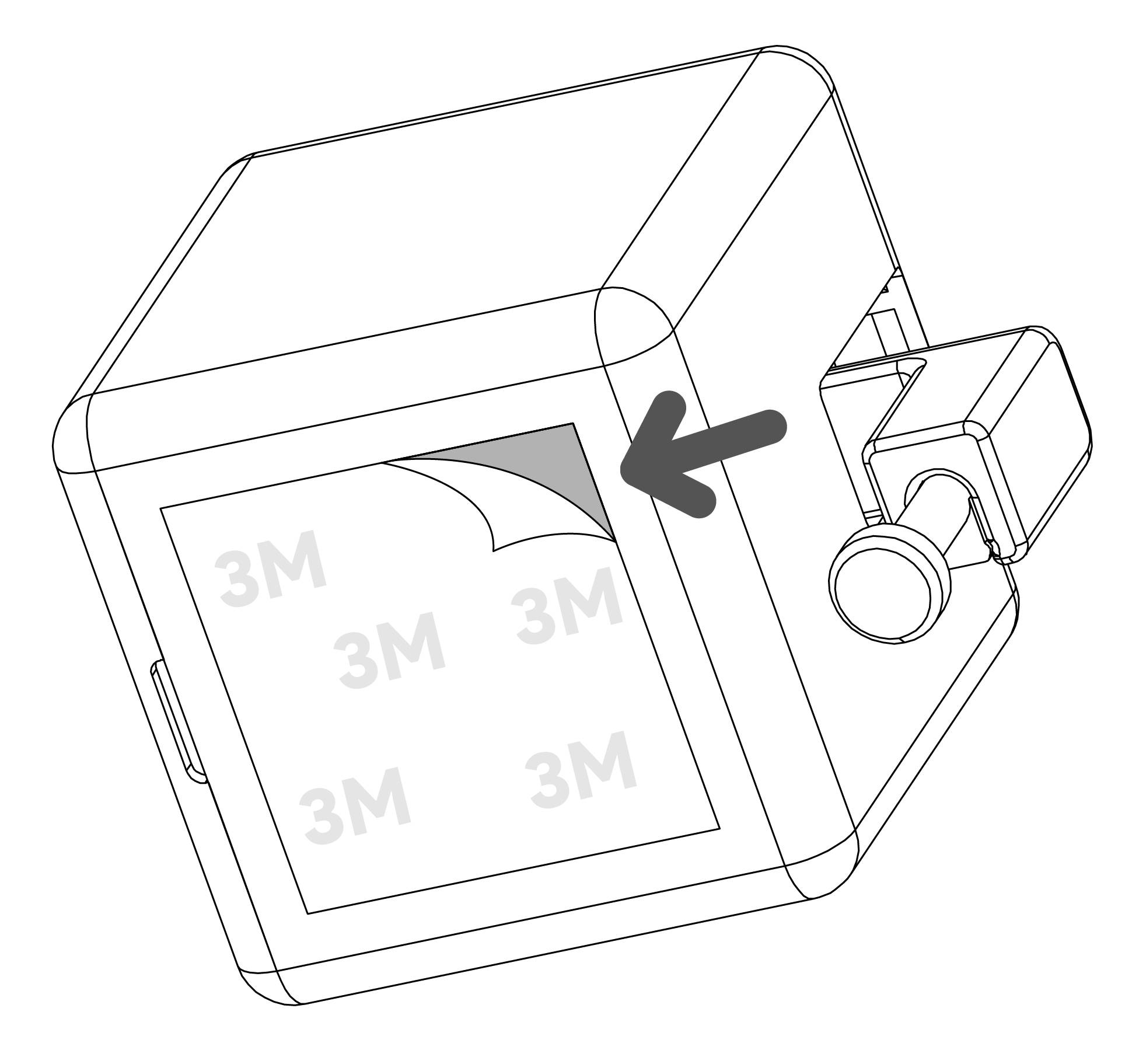
2. Use the double-sided tape provided in the Fingerbot packaging to attach the Fingerbot to the panel.
3. Connect your Fingerbot to the app and calibrate the movement of the Fingerbot arm to fit the button. The "Downward Movement" parameter should be set to a value where the Fingerbot arm can press the button. Note: Incorrect movement settings may bring additional resistance and shorten the lifespan of the Fingerbot.
4. After installation, we recommend letting the device settle for 24 hours for maximum adhesion.
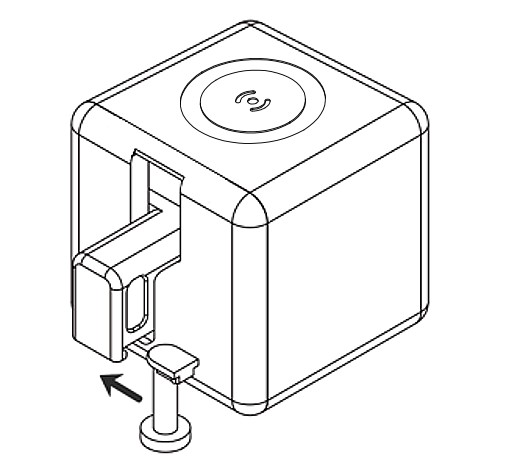
The Adaprox Fingerbot has a modular design, with its arm being replaceable to meet different needs in different situations. Three types of Fingerbot arms are designed and included in the Fingerbot Toolpack (sold separately). Additionally, we also provide a free 3D printing template for you to design a custom Fingerbot arm.
This product is not waterproof. Do not install it on underwater equipment. The product contains a battery and should not be used in humid or high temperature environments. Do not obstruct the movement of the Fingerbot's arm during operation. Doing so may cause the arm to detach and damage the motors inside the robot.
Dimensions: 34.5x34.5x34.5mm
Weight: 38g
Maximum movement: 12 mm
Pushing force: 10N
Wireless protocol: Zigbee 3.0
Battery type: CR2 3.0V
Working temperature: -10℃~45℃/ 14℉~113℉