Motion Sensor AAA (Zigbee) EN RSH-MS11
User Manual

English

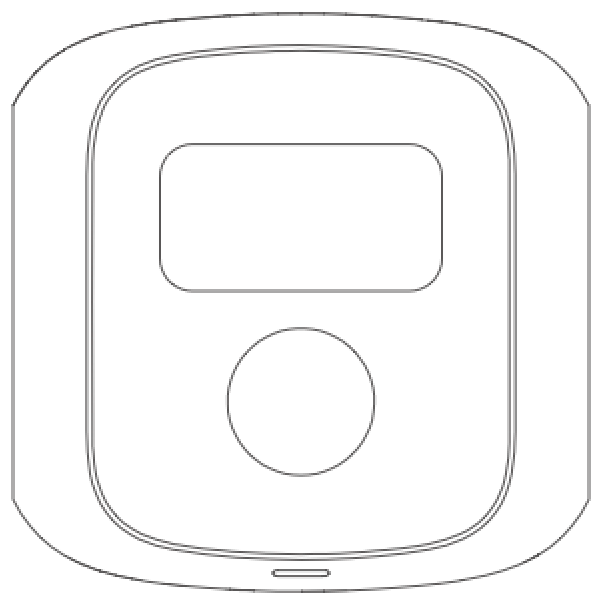
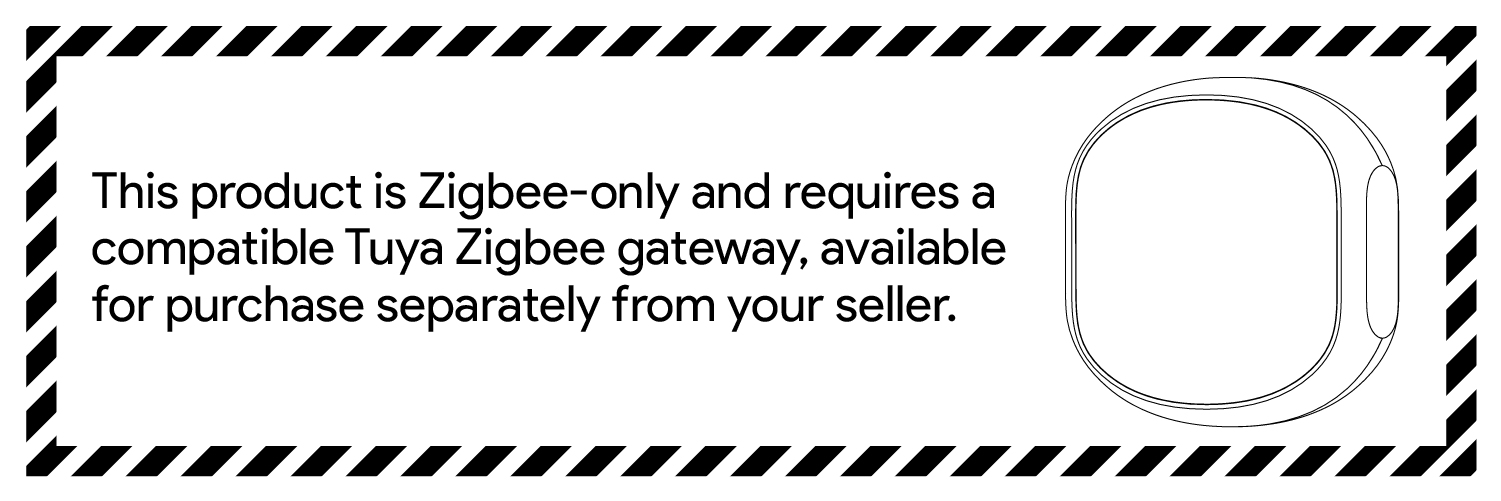
The Motion Sensor uses passive infrared technology to detect human motion. when motion detection is triggered. Through the smart app service, this lowenergy sensor can become part of a smart scene, providing the necessary triggers for home automation.
*This sensor requires is required to connect the sensor to the Zigbee network.
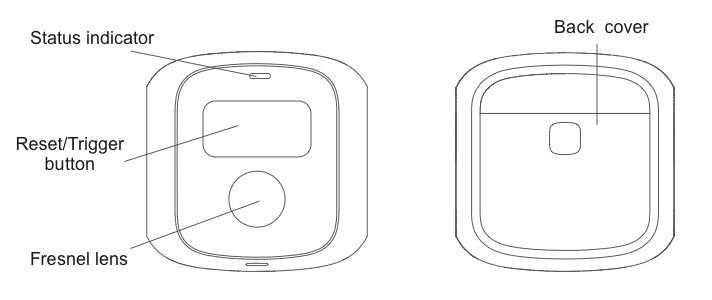
You can search "Smart Life" in the mobile application store to install the App


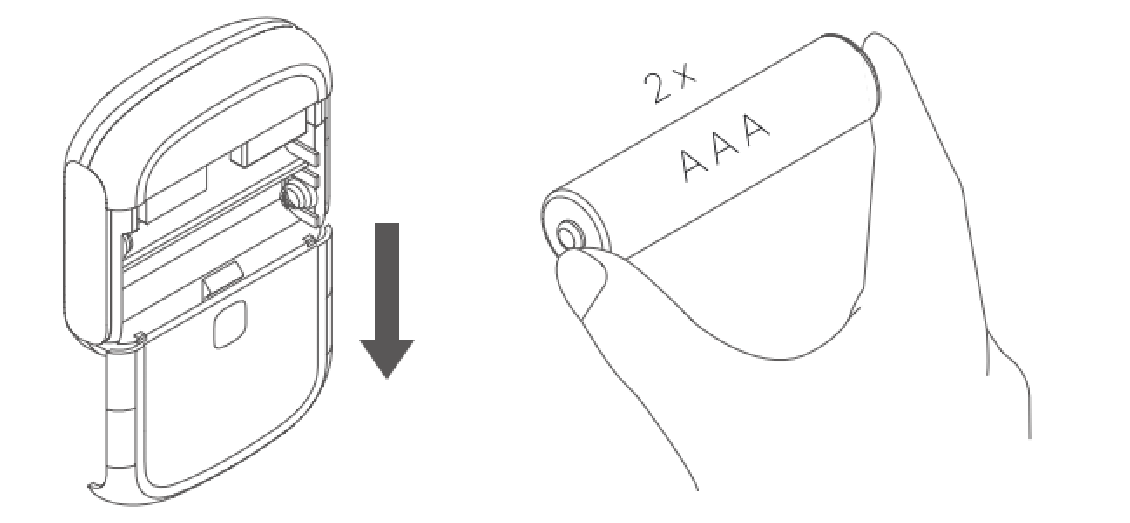
Slide off the back cover to open the device case. Then put the battery into the product.
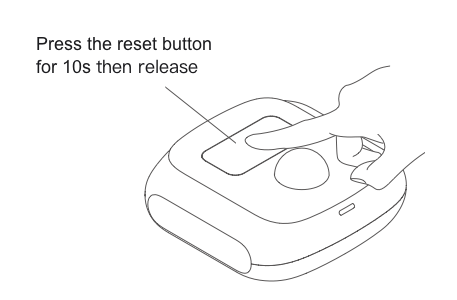
Press and hold the reset button for 10 seconds, release your finger when the indicator light starts flashing. A blinking light indicates that the device has been reset successfully and is ready for pairing
1.Open the app and click the " + " button in the upper right corner, click the scan button, scan the QR code on the package to connect the device, or click "Device" to select WiFi, and follow the instructions on the page to complete the network configuration.
2.When a human motion is detected when the sensor is paired, the red LED light will light up and the sensor will send out an alarm signal. You can long press the device button on the main screen of the app to view sensor status and alarm records.
Install the product where people may walk through. The height of the product above the ground is recommended to be about 2.2m, as shown in the figure below.

Remove the protective film from the base adhesive and stick the base to the installation location. Then install the product on the base.

Automation in the app can connect different devices. Each automation contains a series of trigger conditions and target actions. When the condition is met, the target action is automatically triggered
To set up an automation, click the "+" button in the upper right corner of the automation page. You can use sensors as triggers and create target actions with other devices.

Make sure there are no obstacles in front of the product lens. Otherwise, the detection result may be inaccurate.
After an alarm, the sensor will not signal an alarm if continuous motion is detected. When no motion is detected for 1 minute, the sensor returns to normal.
The wireless distance between the detector and the gateway will be shortened if there are obstacles, such as walls.
When installing, please keep away from air conditioners, fans, refrigerators, ovens and other objects that may cause temperature changes, and do not expose the product to sunlight

Size: 51.2 x 51.2 x 20.5 mm
weight: 18g
Detection radius: 5m
Detection angle: 120°
wireless protocol: Zigbee
Operating Voltage: DC 3V
Battery Type: CR2032
If you have any questions or concerns about your HIMOJO device, please do not hesitate to contact us via email at support By scan QRCode . Our dedicated customer support team is here to assist you and ensure that you have the best experience with our product. We are committed to providing you with the highest level of customer service and look forward to hearing from you
