Motion Sensor EN Zigbee 3.0 LKMSZ021
User Manual

English

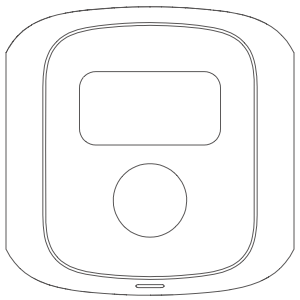
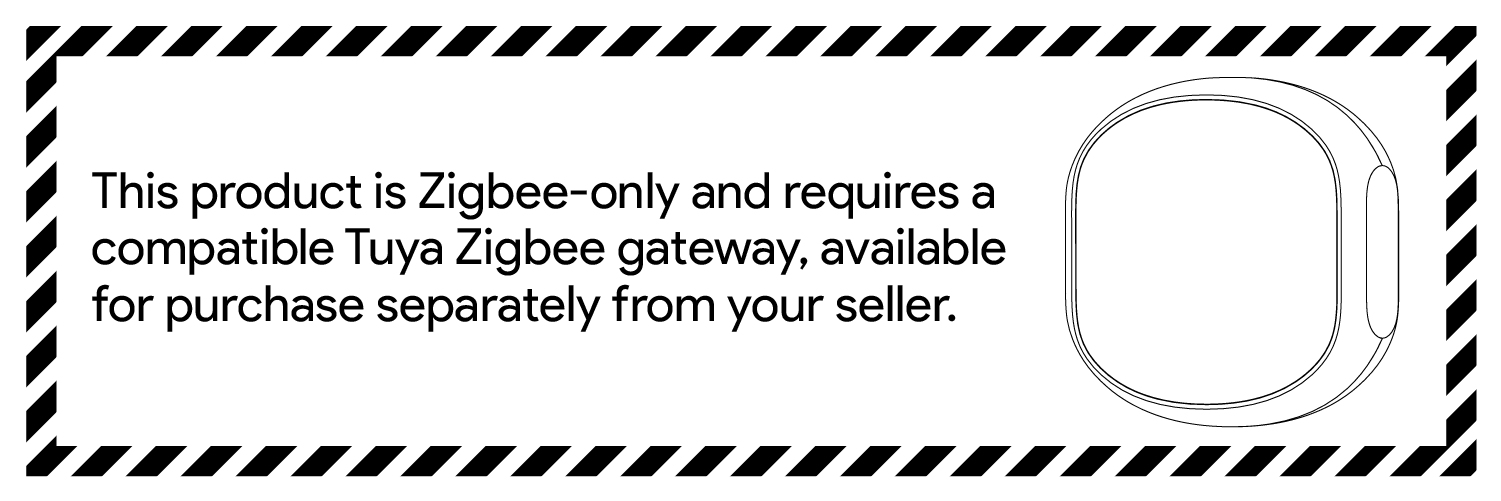
The Motion Sensor uses passive infrared technology to detect human motion. It connects to the Zigbee network and is able to send instant notifications to users when motion detection is triggered. Through the tuya cloud service, this low-energy sensor can become part of a smart scene, providing the necessary triggers for home automation.
This sensor requires a zigbee gateway to connect to the internet.
Smart Life is the mobile platform for controlling devices. You can search for "smart life" in the mobile app store to install the app .


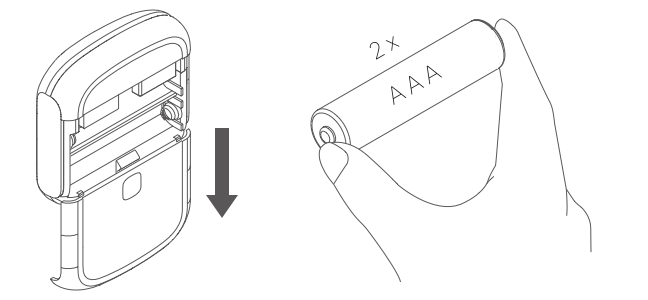
Slide off the back cover to open the device case. Then put two AAA batteries into the product.
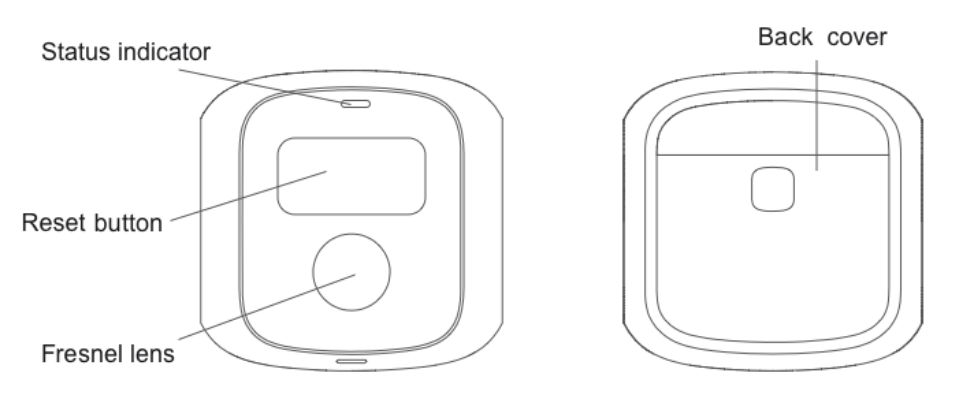
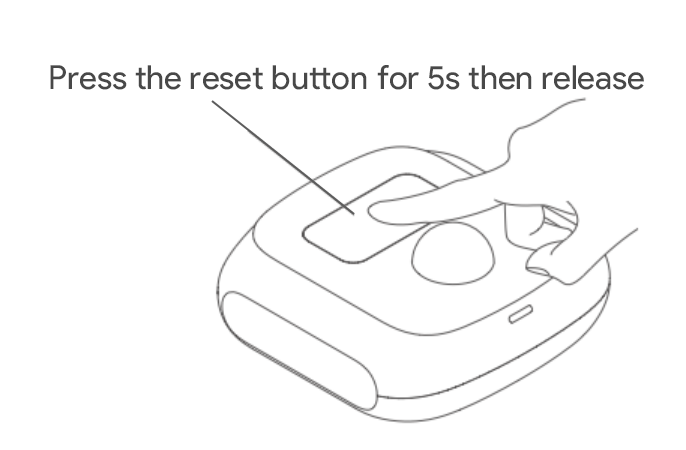
Press and hold the reset button for 5 seconds, release your finger when the indicator light starts flashing. A blinking light indicates that the device has been reset successfully and is ready for pairing.
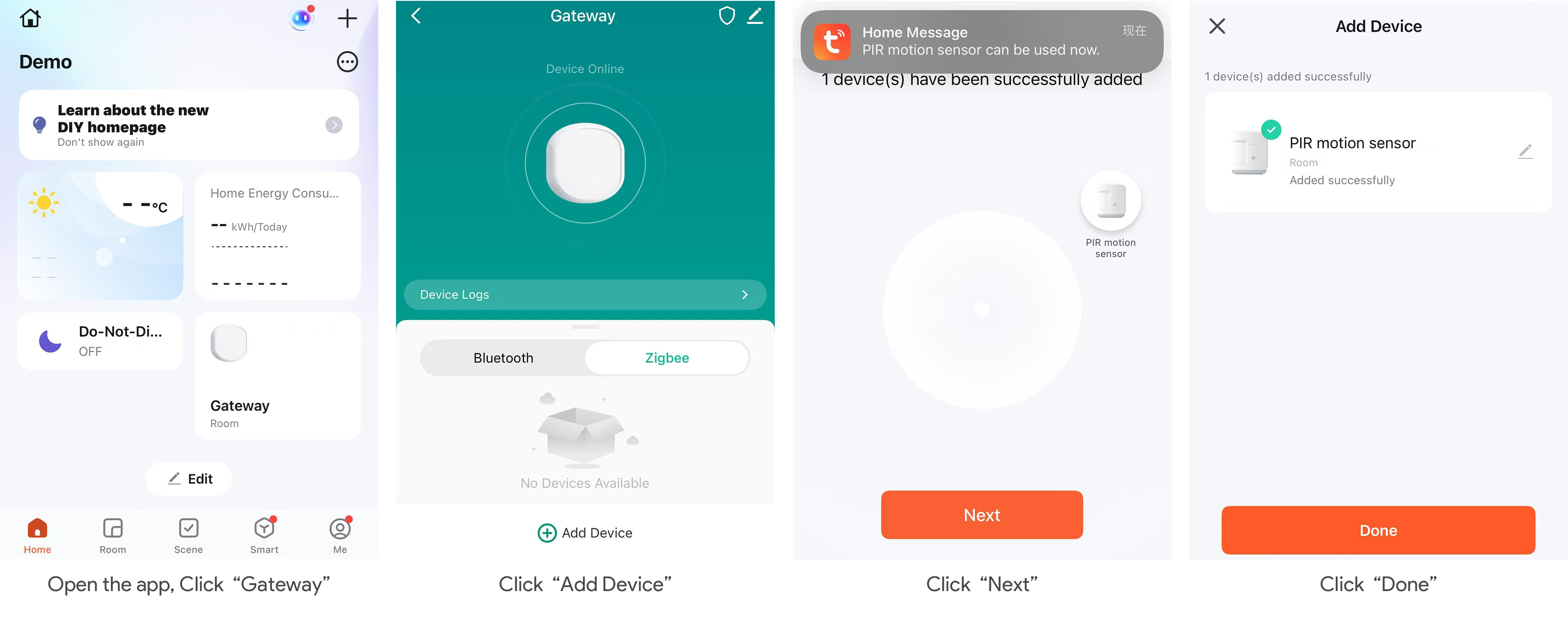
Open the app, select the configured Zigbee gateway, click "Add Device," and follow the on-screen instructions to complete the network setup.
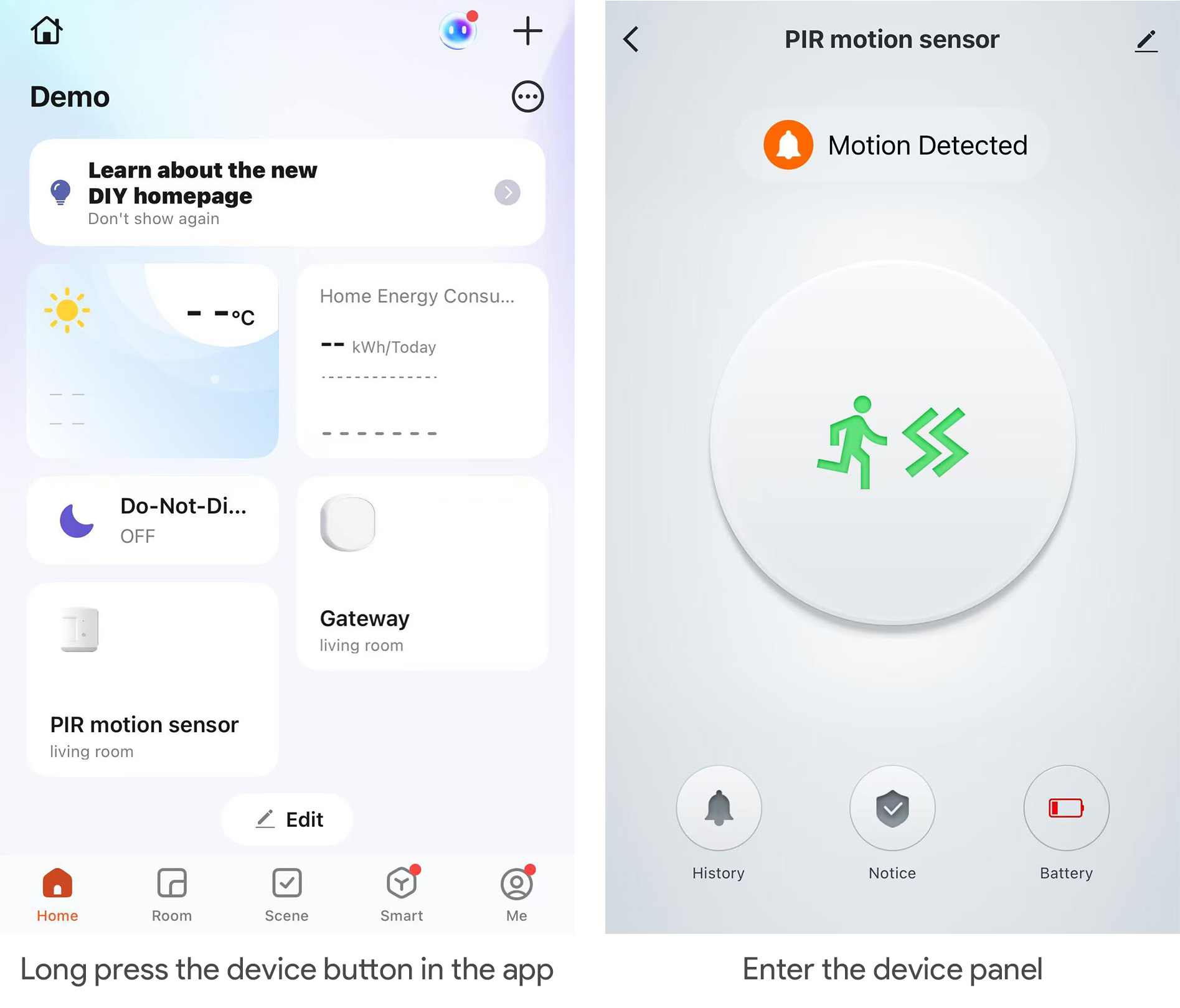
When a human motion is detected after the sensor is paired, the red LED light will light up and the sensor will send out an alarm signal. You can long press the device button on the main screen of the app to view sensor status and alarm records.
Install the product where people may walk through. The height of the product above the ground is recommended to be about 2.2m, as shown in the figure below.

Remove the protective film from the base adhesive and stick the base to the installation location. Then install the product on the base.

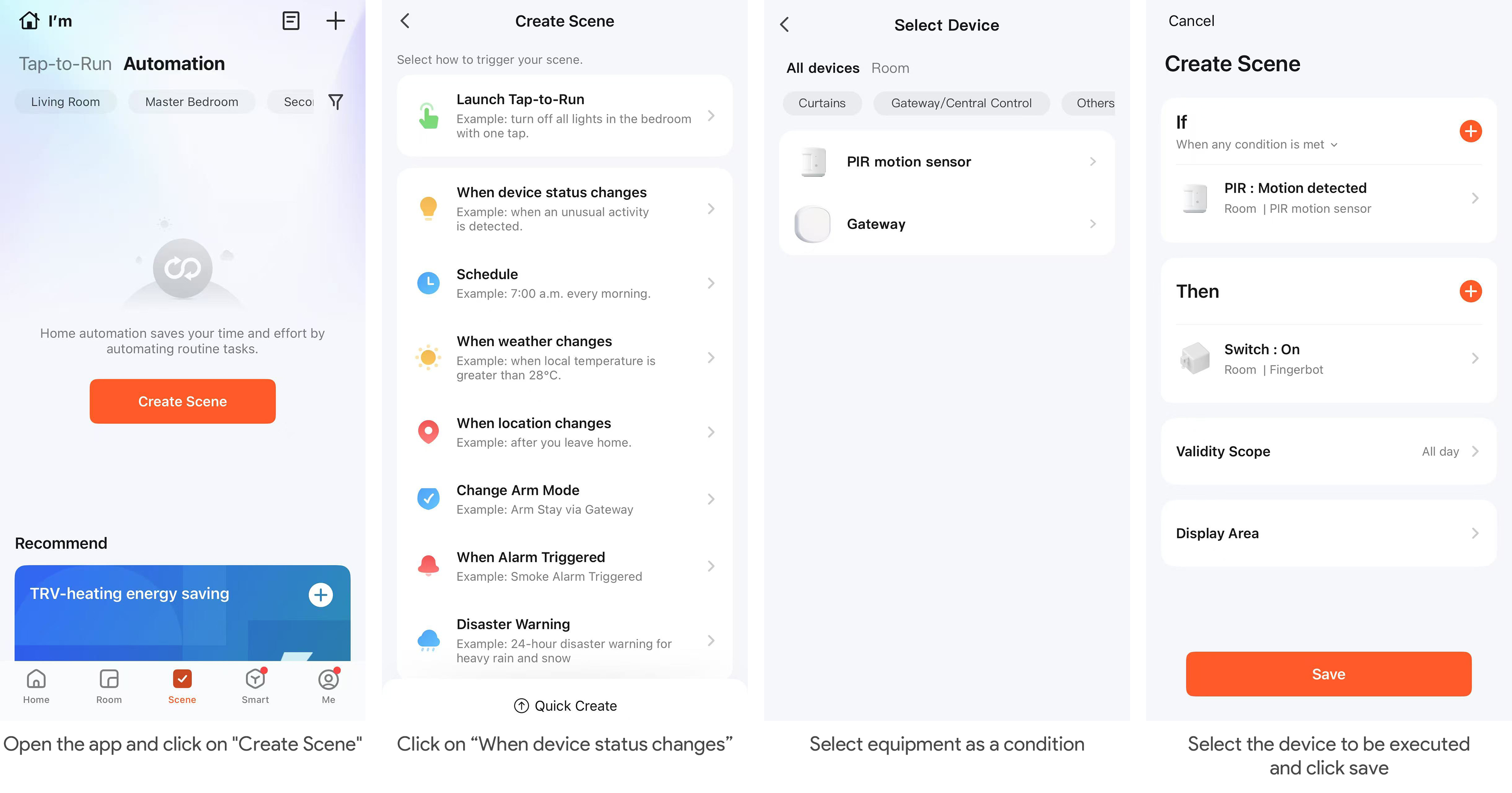
Automation in the app can connect different devices. Each automation contains a series of trigger conditions and target actions. When the conditions are met, the target actions will be automatically triggered.
To set up an automation, click the "+" button in the upper right corner of the automation page. You can use sensors as triggers and create target actions with other Linkoze devices.
Make sure there are no obstacles in front of the product. Otherwise, the detection result may be inaccurate.
After an alarm, the sensor will not signal further alarms if continuous motion is detected. When no motion is detected for 1 minute, the sensor returns to idle.
The connection distance between the detector and the gateway will be shortened if there are obstacles, such as walls.
When installing, please keep away from air conditioners, fans, refrigerators, ovens, and other objects that may cause temperature changes, and do not expose the product to sunlight

Size: 51.2 x 51.2 x 20.5 mm
weight: 18g
Detection radius: 5m
Detection angle: 120°
wireless protocol: Zigbee
Operating Voltage: DC 3V
Battery Type: CR2032