Temperature and Humidity Sensor EN Zigbee 3.0 LKTMZL02
User Manual

English

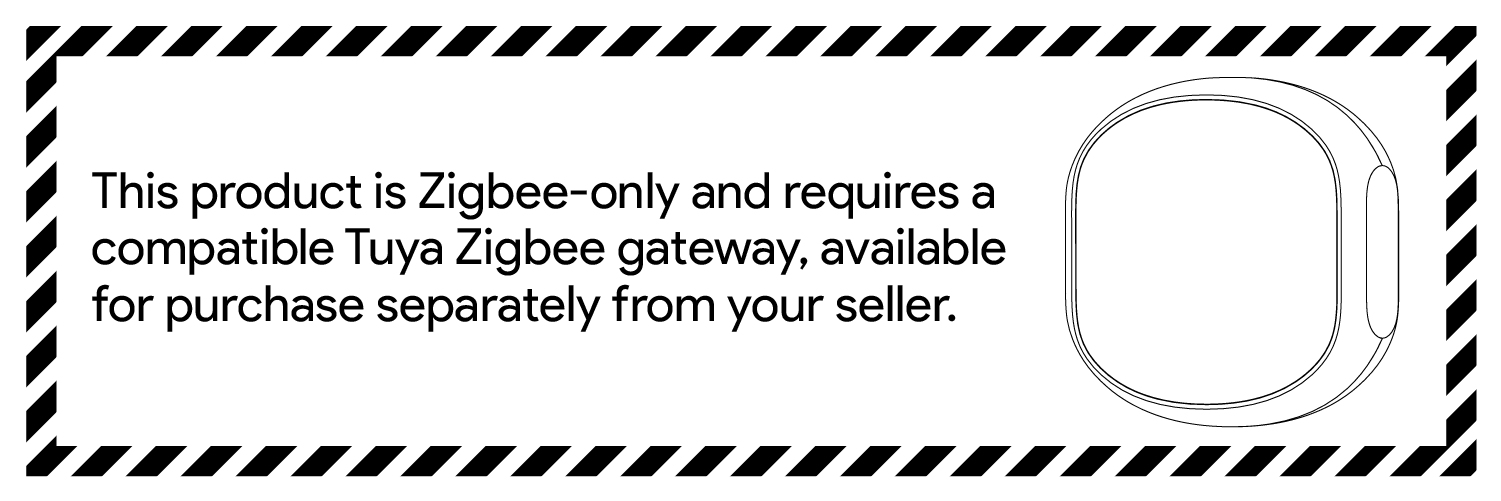

This temperature and humidity sensor needs a smart gateway to connect to Zigbee network.
Zigbee 3.0 devices are compatible with most mainstream Zigbee gateways, enabling quick and secure onboarding. First confirm the model of your gateway, then choose and install the matching official app here.


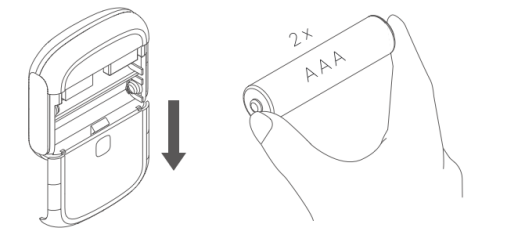
Slide down the rear cover to open the device case. Then put two batteries into the product.
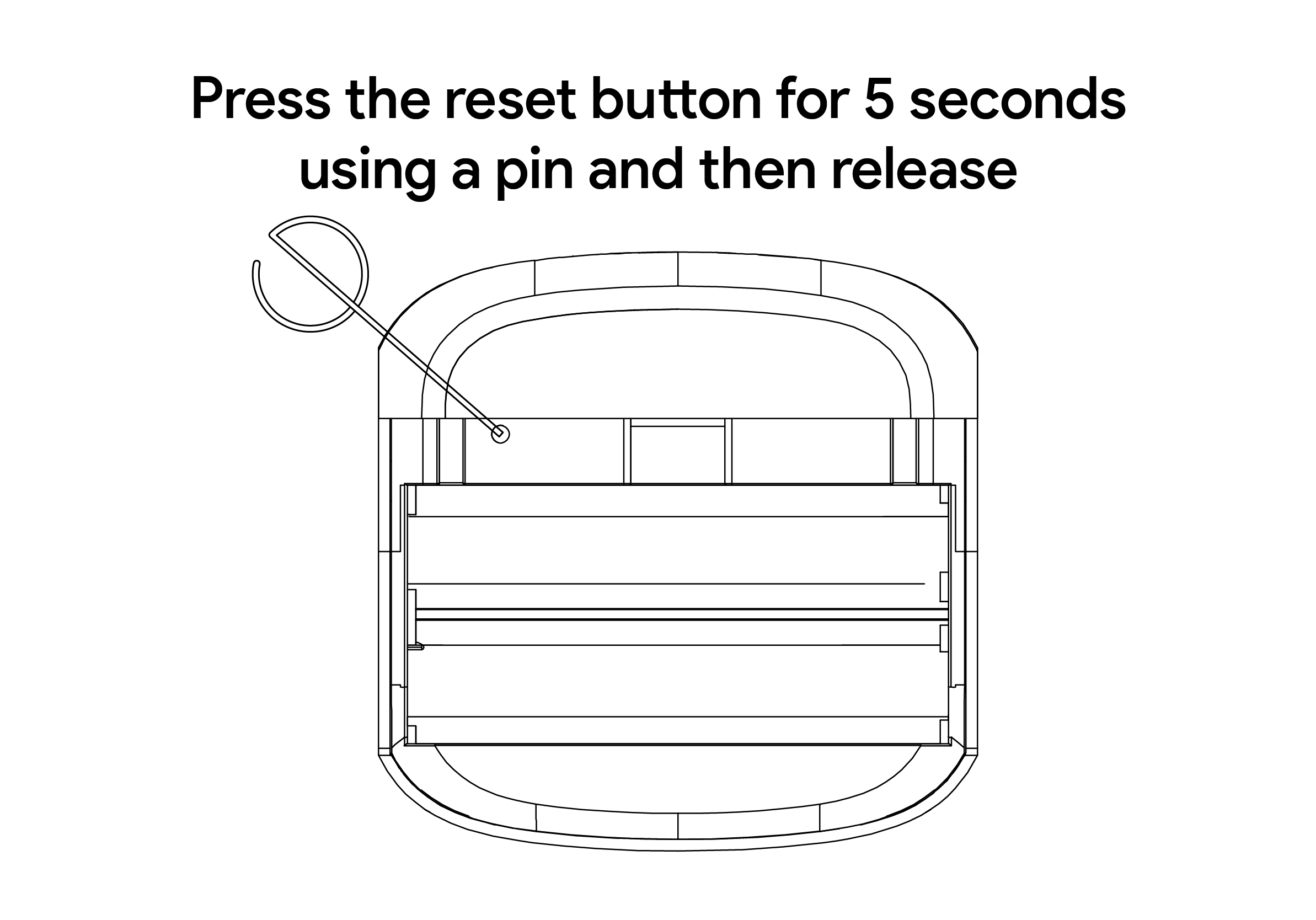
Use a pin to long press the reset button for at least 5 seconds and release, the device is ready to be paired when the LED flashes.
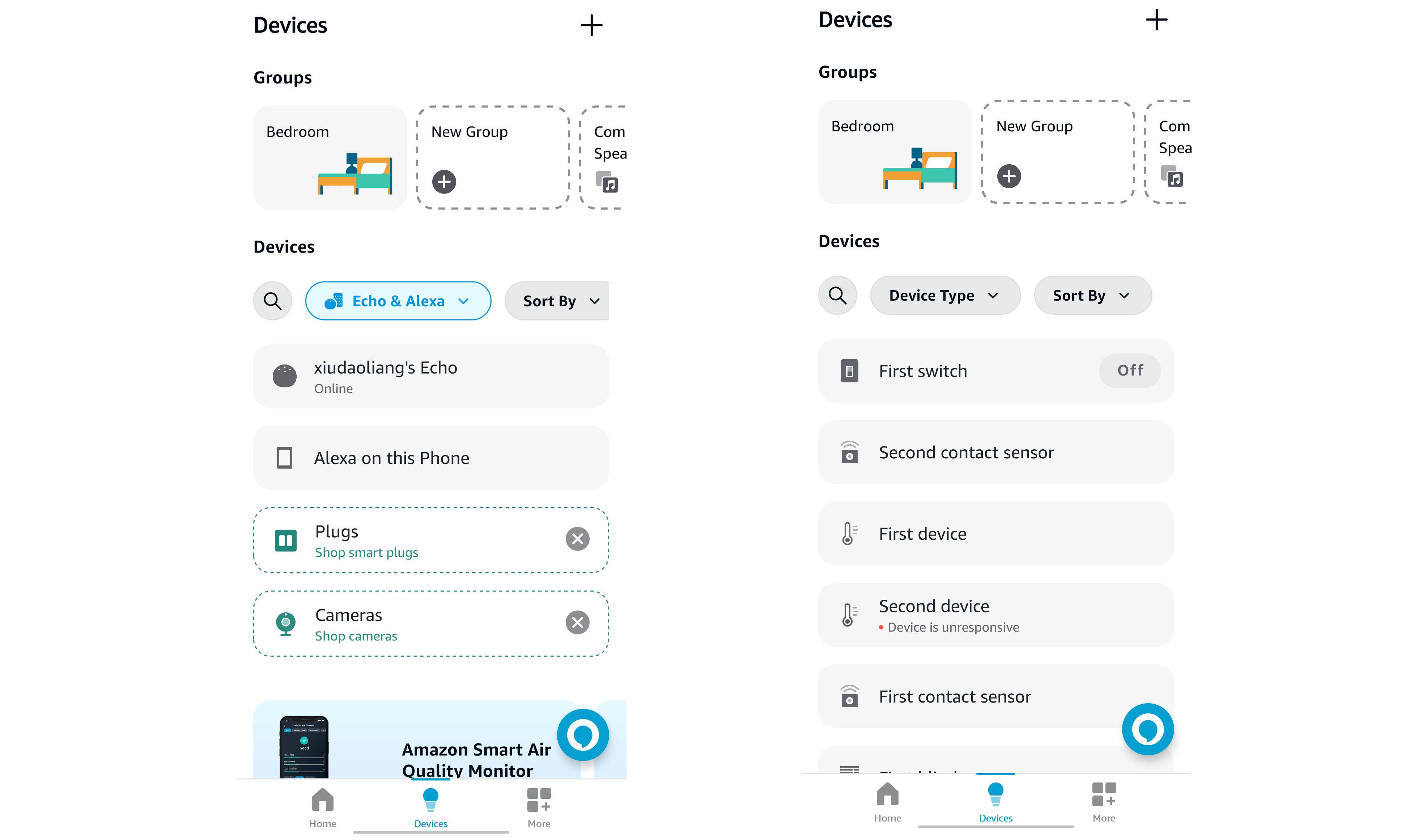
On the premise of owning an Alexa Echo or an Alexa Zigbee gateway,Open the Alexa app to add your device, or say, "Alexa, discover devices."
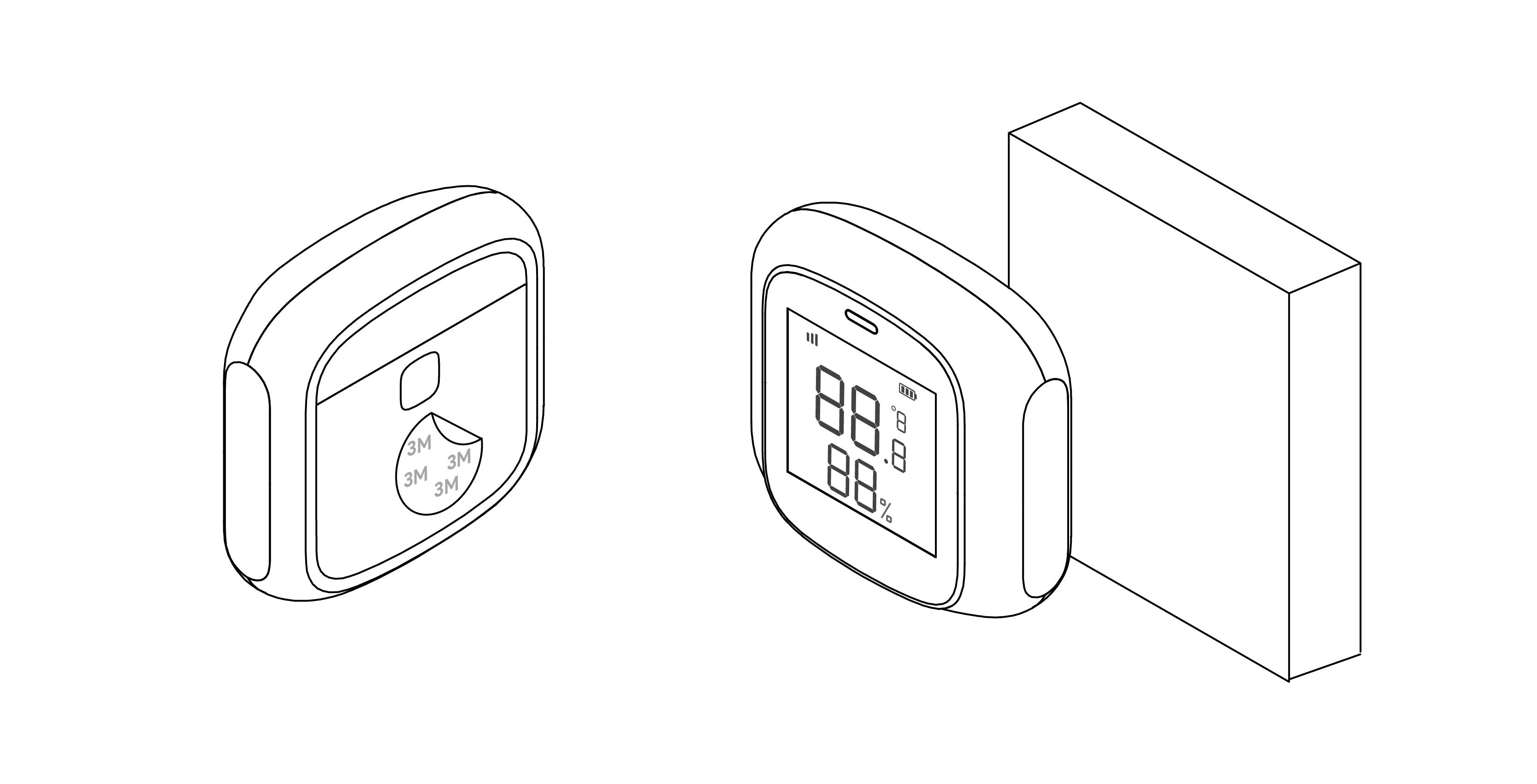
Installation method: Use a 3M sticker to affix the product to a proper position.
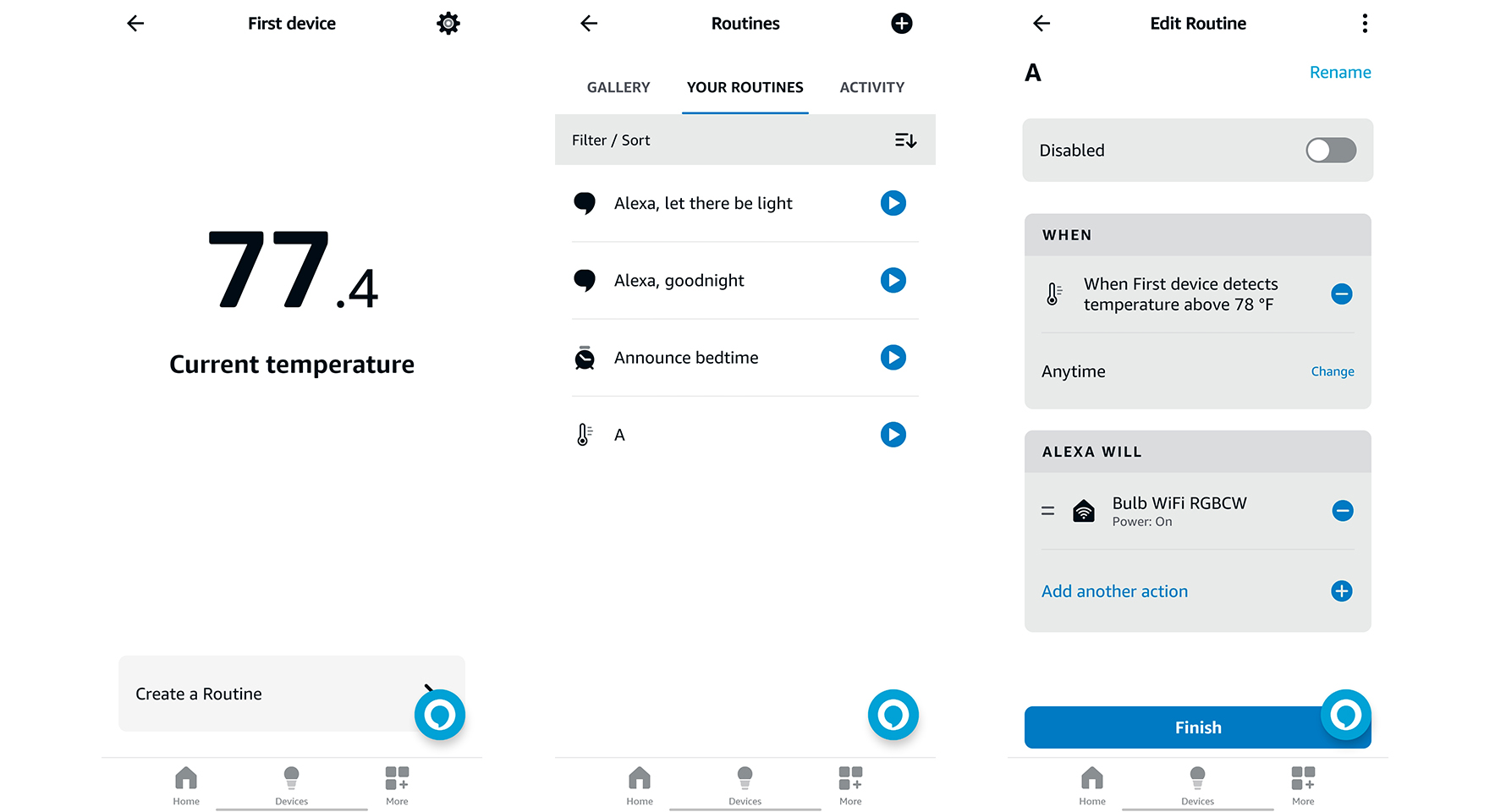
Automation features are available in the app for connecting different devices. Each automation consists of a series of trigger conditions and target actions. When the conditions are met, the target actions will be triggered automatically. To set up an automation, click "Create a Routine" on the device panel. You can use a thermometer as a trigger condition and create target actions with other smart home appliances.
Dimensions: 51 x 51 x 16.5 mm
Weight: 21g
Recommended temperature range: -9.9℃ - 60 ℃ / 14℉ - 140℉
Recommended humidity range: 5 %RH - 95 %RH
Wireless protocol: Zigbee 3.0
Working voltage: DC 3V
Battery type: AAA