Smart AI Robot Kibo
User Manual

English

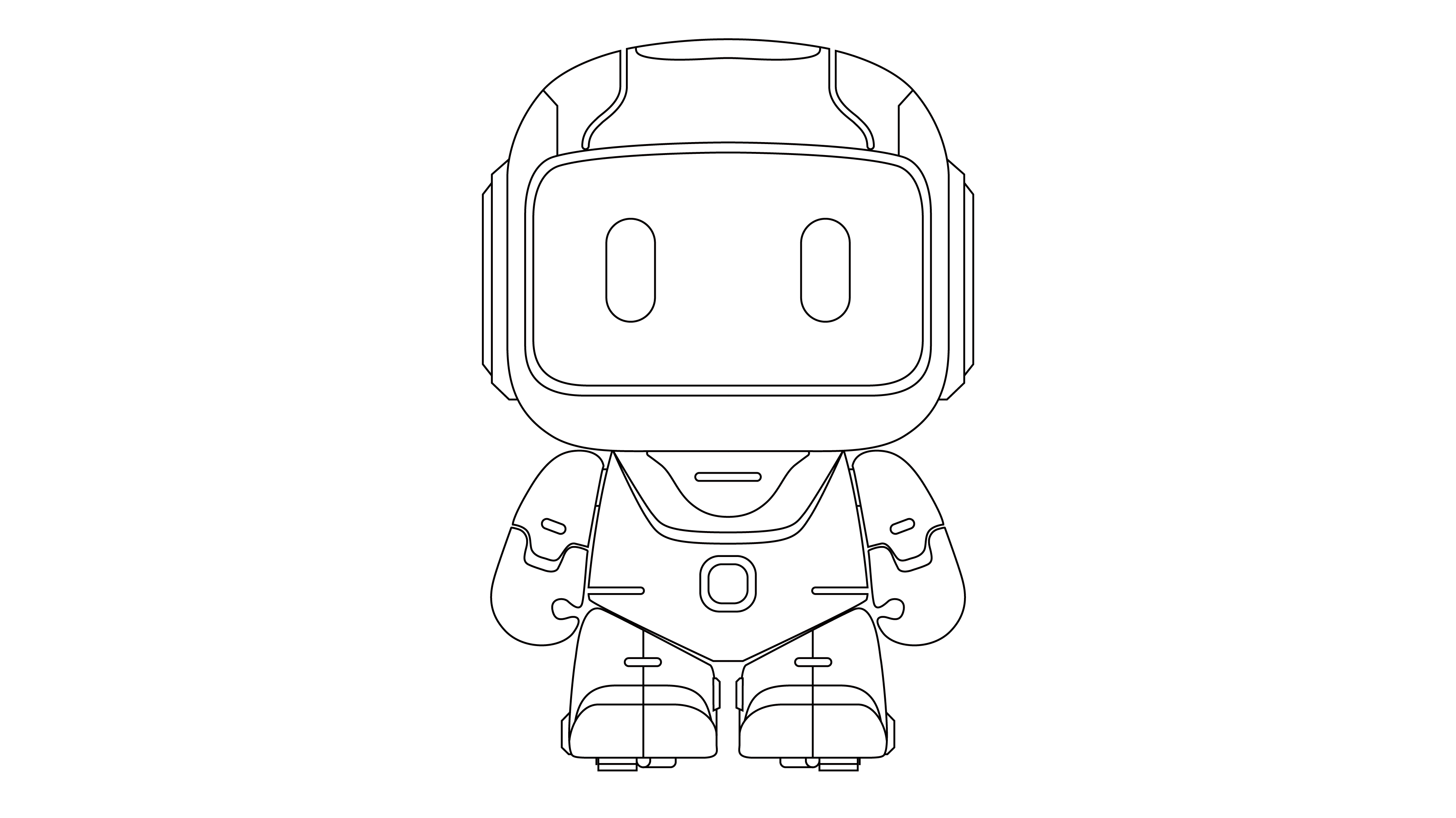
Smart AI Robot Kibo is an intelligent toy that combines AI voice interaction with an electric robot toy, offering fun and engaging experiences such as conversational companionship, nursery rhymes and story playback, and general knowledge Q&A.
"Smart Mate" is a mobile application designed specifically for smart devices. Please search for and download the "Smart Partner" App from the app store to easily manage your devices.


1. Locate the power switch on the back of the robot's head and toggle it to the "ON" position. When you hear a repeating network configuration prompt, the robot has entered pairing mode.

2. If no repeating sound is heard, press and hold the button on the robot's belly and release it until you hear the repeating setup sound.

3. In the App's main interface, click the [+] button in the upper right corner to enter the "Add Device" screen.
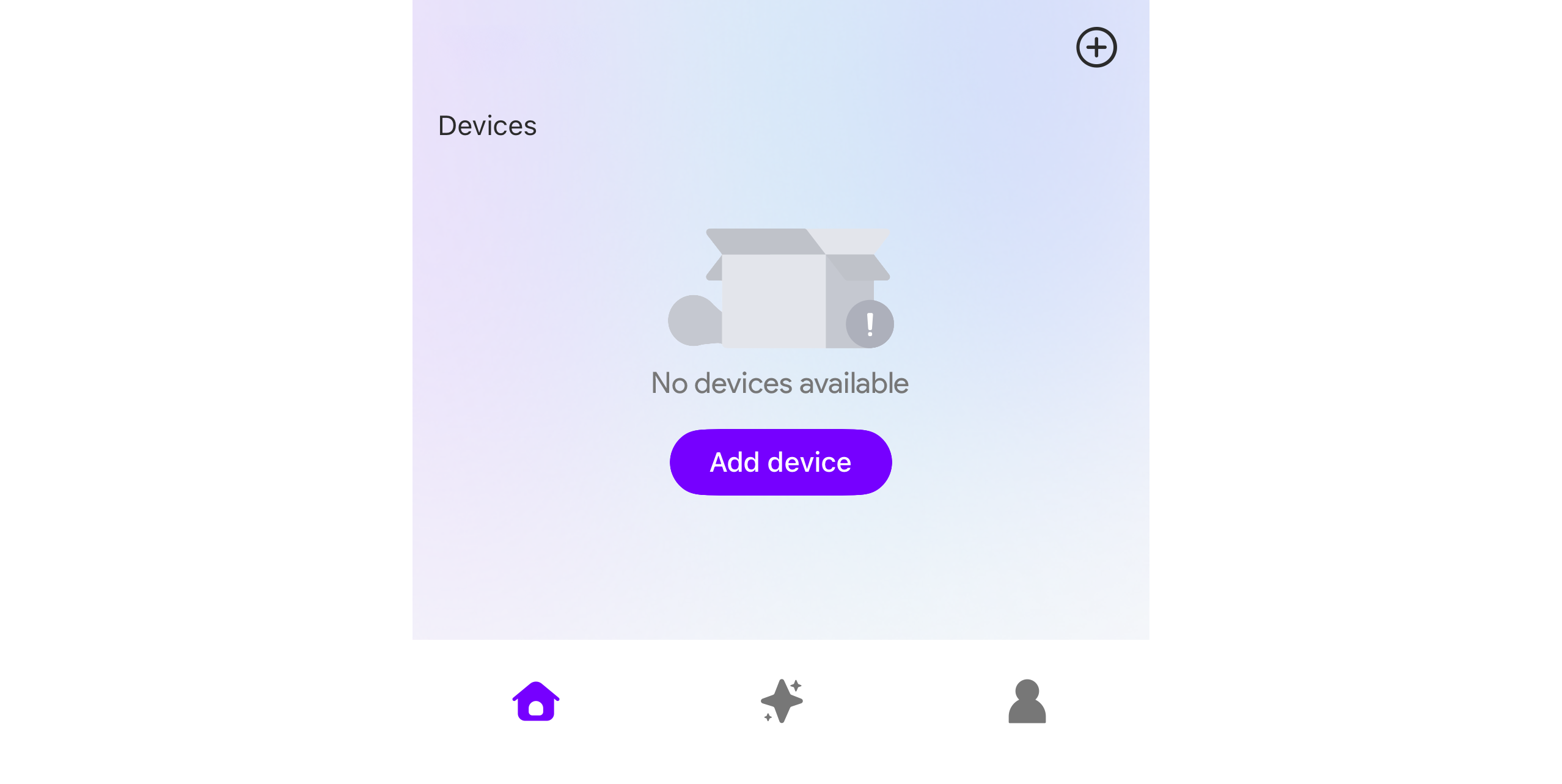
4. On the search screen, click the device icon and follow the prompts to complete the network setup.

Activation: The product enters this mode by default after network configuration. If in another mode, long-press the belly button for 2 seconds and release it to switch between modes.
Usage: Start speaking after you hear the "beep" prompt.
Open the "Smart Partner" App, click the "+" icon in the upper right corner to enter the device pairing page. Note the following during pairing:
Natural Conversation: "What is the highest mountain in the world?"
Action Commands: "Can you move forward and then backward?"
Media Playback: "Tell me a story."
Volume Control: "Set volume to 50%."
Status Inquiry: "How much battery do you have left?"
Information Inquiry: "What time is it now?"
End Conversation: "Goodbye."
Actions supported by Kibo include:
• Basic actions: Walk forward/backward, wheel forward/backward, turn left, turn right.
• Fun actions: Dance1, Dance2
You may issue single commands:
• “Walk forward 2 steps”
Or combine a sequence of commands:
• “Walk forward two steps, turn left, use wheels to move back, then dance!”
While Kibo is Listening: Press to end the conversation early if you haven't started speaking.
While Kibo is Speaking: Press to interrupt the robot and return it to listening mode.
Long Press (2s): Cycle through modes: [AI Mode], [Music Mode], [Echo Mode], or [RC Mode].
In the "Smart Mate" App, click the device to enter the control interface. Click the mode switch button in the top left corner to switch to music mode.
In Music mode, the following interactions can be performed:
• Automatic Rotation: Automatically rotate content categories (nursery rhymes/stories/poems) based on App settings.
• Set in the App whether to perform fun actions like dancing while playing audio.
• Button Control: Single click the belly button to pause or resume playback; double click the belly button to switch to the next audio.
In the "Smart Mate" App, click the device to enter the control interface. ()Click the mode switch button in the top left corner to switch to RC mode.
In remote control mode, users can use the virtual controller on the App to control kibo's actions.
1. Connect the charging cable from the package to the charging port on the back of the small robot's head. Use it with a 5V=1A charger that meets safety standards (needs to be purchased separately).
2. It takes about 3 hours to fully charge (based on lab data; actual use may vary).
3. Charging Status Indication:
• Charging: Steady red light above the Type-C interface.
• Fully Charged: Indicator light turns off automatically.
4. To ensure safety, please ensure someone is supervising during the charging process. Do not charge for a long time unattended, when out, or at night to avoid potential risks.

This product is not waterproof. Do not wash with water or soak it in water.
Do not use salt water, hot water, or detergents containing bleach, strong acids, or alkalis.
Product Name: Smart AI Robot Kibo
Product Weight: 283g (9.98oz)
Product Dimensions: 10.6×15.8×9.6cm (4.2×6.2×3.8in)
Product Battery: 500mAh 3.7V Rechargeable Lithium Battery
Charging Port: USB-C
Recommended Age: 3+ (Ages 3 and up)
Wireless Protocol: 2.4GHz Wi-Fi (5GHz not supported)
1. This product is manufactured under strict quality control standards. Within one (1) year from the date of purchase and receipt, if a performance malfunction occurs under normal use and non-human-induced conditions, free repair service will be provided upon inspection and confirmation by our authorized after-sales service center.
2. Returns and exchanges must be processed through the original point of purchase.
3. Please keep this warranty card properly. Loss, alteration, or damage may affect your warranty eligibility.
4. For more details on after-sales service terms, please contact Customer Support.
The following situations are not covered under the free warranty service:
1. Products that are beyond the warranty period;
2. Damage caused by human factors, including but not limited to drops, liquid ingress, or improper handling;
3. Unauthorized disassembly, modification, firmware flashing, or repair performed by non-authorized personnel;
4. Damage resulting from force majeure events, such as natural disasters, lightning strikes, or fire;
5. Products that have been resold or purchased second-hand;
6. Products used for illegal purposes or in violation of the applicable terms of use;
7. Damage caused by external factors, improper use, or environmental conditions that are not related to manufacturing defects;
8. For other exclusions, please refer to official after-sales service policy.
1. This product contains a built-in 3.7–4.2V lithium battery and must not be disassembled or replaced by the user. For servicing, please contact After-Sales Support.
2. Charging must be performed by an adult or under adult supervision.
3. Regularly inspect the charging cable, plug, and housing. If any damage is detected, discontinue use immediately until it has been properly repaired or replaced.
4. Before cleaning the product, power it off and disconnect the charger.
5. This product does not include a power adapter. If needed, please use a power adapter that is CCC-certified and compliant with national standards (recommended specification: 5V / 1A).